
SCRATCH Basics
First steps in programming logic with MIT's Scratch.
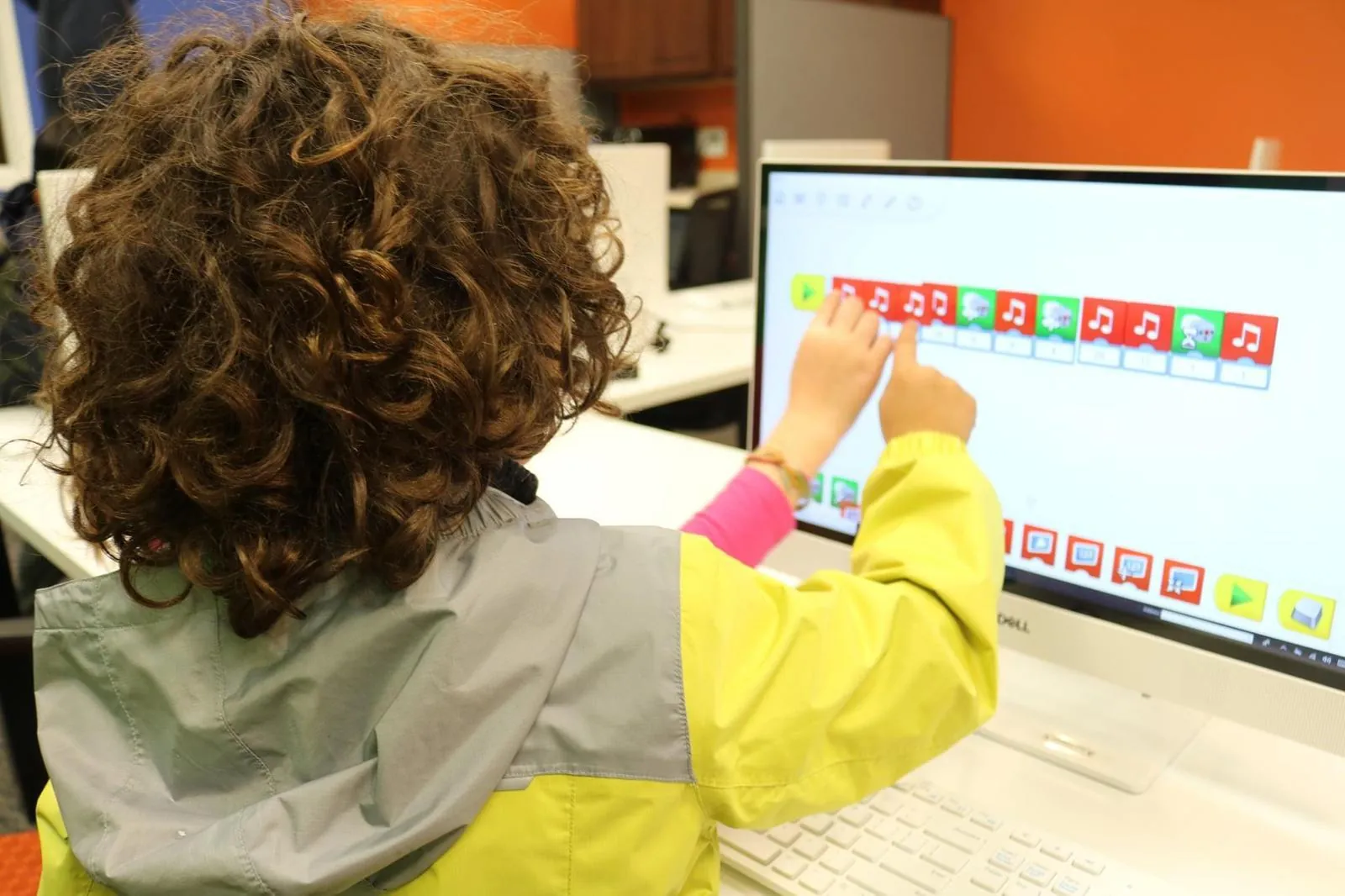
Overview
Using MIT's Scratch platform, first-time coders assemble blocks of code to build animations, interactive stories and simple games. No typing is required, so students focus on the logic of programming: sequencing, loops, conditionals and events.
What students learn
- Building an animated story with multiple characters and scenes
- Creating a simple game with score-keeping and collisions
- Using loops and conditionals to control movement
- Designing interactive art with the pen and drawing blocks
SCRATCH Basics builds confidence before students move to more advanced projects.
Questions
Can my student join mid-year?
Yes. Enrollment is rolling for weekly classes; instructors help new students catch up on what the class has covered.
How do I know this is the right level?
Book a free consultation and we will recommend a level. Book now
What if my student misses a class?
We offer a make-up class. We'll contact you with a make-up date.
Find the right program for your student
Book a free 20-minute consultation and we'll recommend a starting point.